
Accessibility and Inclusive Design
What Makes an Online Course Accessible?
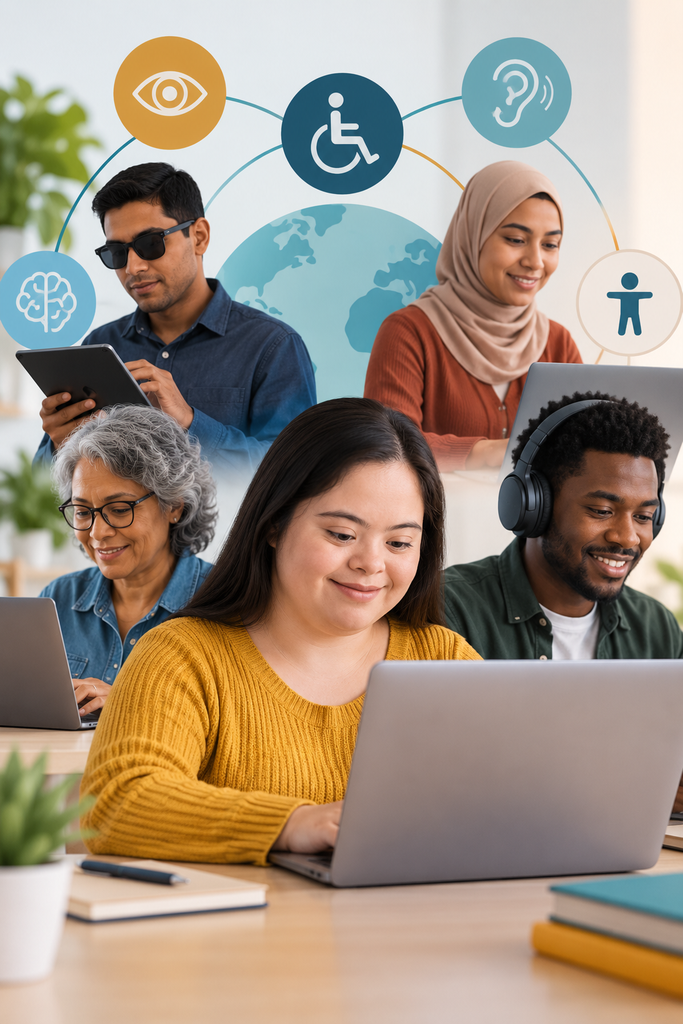
Accessibility starts with understanding that your learners are not a homogeneous group. People experience the world differently, and disabilities may be visual, hearing, physical, cognitive, or psychological. A course that works well for one learner may create unnecessary barriers for another.
Accessible design means considering those differences from the beginning, not trying to fix barriers after the course is built. Put yourself in the learner’s shoes. What if you couldn’t see an image? Hear a video? Use a mouse? Process a complicated screen quickly? What would you need to participate fully?
Here’s the important part: designing for accessibility often improves the experience for everyone. Captions help people watching a video in a noisy environment. Clear navigation helps every learner find their way through a course. Plain language makes complex information easier to understand. Flexible ways of accessing content give everyone more options for learning.
Accessibility isn’t about designing for a small group of people. It’s about designing with the understanding that people experience learning differently.
Try this: Choose one lesson from an existing course and experience it differently. Turn off the sound. Navigate without a mouse. Zoom the screen to 200%. Then ask yourself: Can I still learn what I came here to learn?